

PS-M250 Product Installation and Support
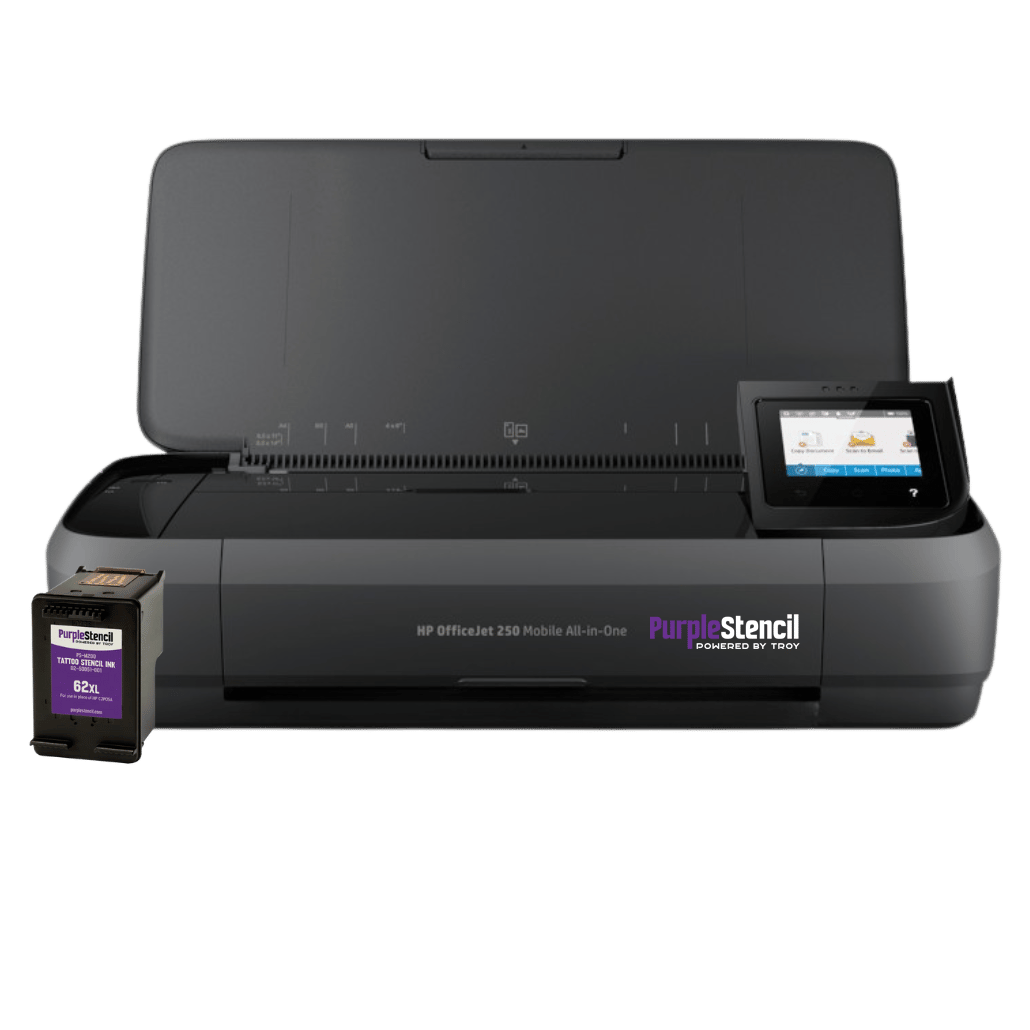
Download PS-M250 Installation Guide
The PS-M250 is compatible with a wide range of operating systems, including most versions of Windows and macOS.
Download Installation GuideReady to get started?
Learn how to transform printed designs into stencils
This video will show you step-by-step how to turn a printed design into a stencil with the PS-M250 stencil printer & scanner. The set up for the PS-M250 is generally the same as the PS-M200.
If you're using a Mac, you will likely not need to install any print drivers. If you don't see the PS-M250 as an option after connecting to WiFi, visit the page below to troubleshoot.
FAQ's: Purple Stencil PS-M250
Q: Can I use any brand of stencil paper?
A: The stencil paper should be inkjet stencil paper. If it is not, the transfer may not take.
Q: Is there a way to make the stencil print heavier?
A: Go into settings on the driver and increase the print quality setting.
Q: The printer keeps grabbing multiple sheets.
A: Load one sheet at a time or change the print quality.
Q: What can I do to reduce smearing?
A: Try to clean the white roller inside the printer. Clean this with a cotton swab and Isopropyl Alcohol. Do NOT soak the roller.
Q: Can I use any brand of stencil ink?
A: We advise only using Purple Stencil ink cartridges once the printer is set up.
Q: Can I use any brand of stencil transfer gel?
A: It is strongly recommended that you use a transfer gel with a thicker consistency so transfers and stencil paper lay down easily.
Q: Do I need WiFI to print wirelessly?
A: No network, no problem. Easily print form your laptop or mobile devices by setting up WiFi Direct.
Q: How do I flip printed images when I put them through the scanner?
A: Through the HP app, you can flip images by taking a photo before sending it through the scanner. Once you flip it in the app, the stencil will print the correct direction.
Q: Does the PS-M250 have direct printing functionality or is it just a scanner?
A: The PS-M250 has direct printing functionality. The scanning function is an added feature, but the machine can be used either way with no extra equipment needed.
Q: Does the PS-M250 need different ink cartridges than the PS-M200?
A: No. The PS-M250 uses the same ink cartridge 62XL ink cartridge system as the PS-M200, so you can easily swap or refill without hassle.
Still need assistance with your printer?
Leave your information and we'll contact you right away.
Contact our experts